
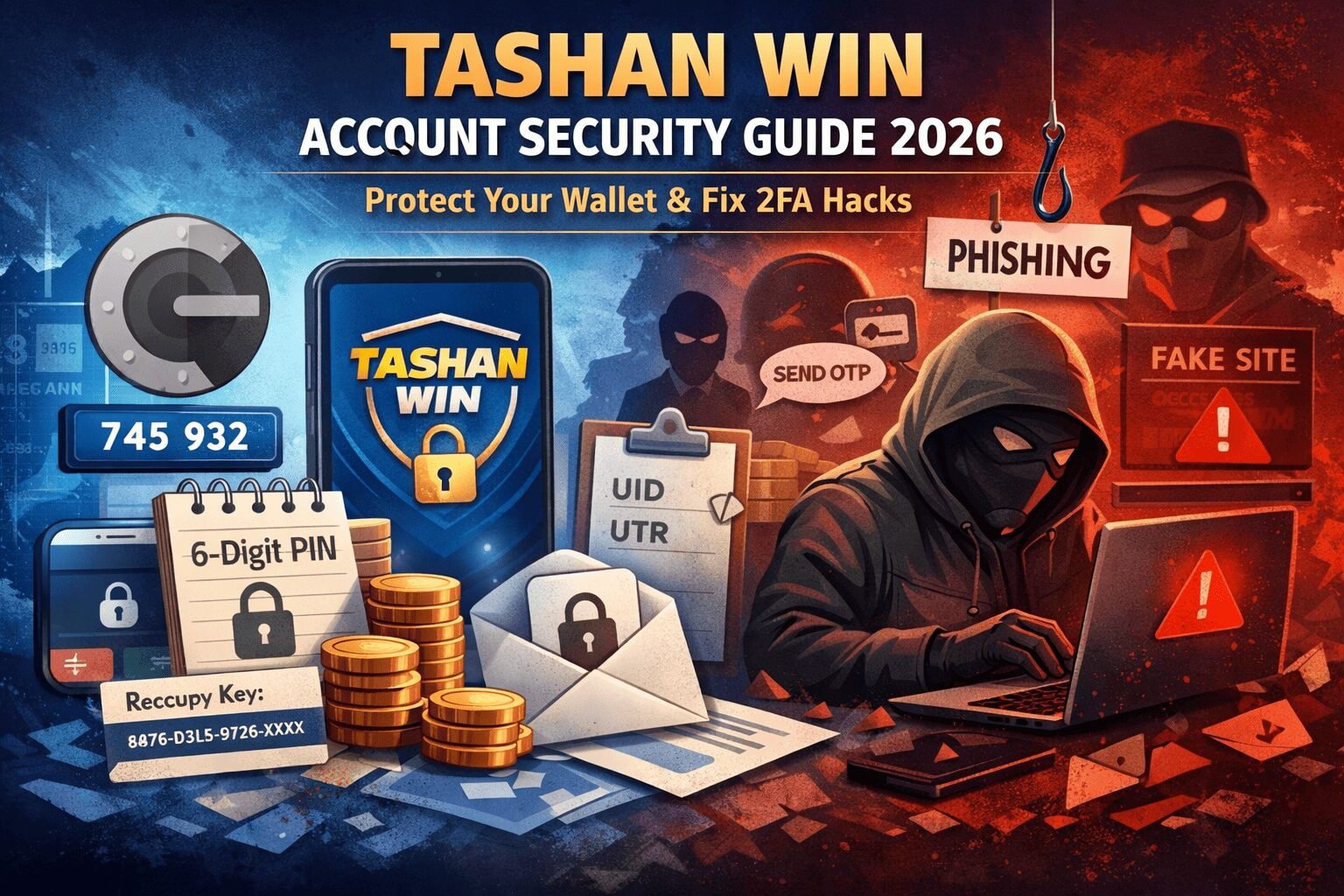
The Quick 5-Minute Security Checklist
Before we dive into the details, let’s start with a simple, practical checklist. Think of this as your first line of defense — a few minutes spent here can save you hours, or even your balance, later.
- Enable Google Authenticator immediately. This tiny app can prevent hackers from logging in even if they somehow get your password.
- Set a 6-digit withdrawal PIN that is different from your login. Using the same number for both is a common mistake hackers exploit.
- Never share your OTP with anyone claiming to be a Tashan admin, especially on Telegram or social media. No real admin will ever ask you for this.
- Clear your browser cache after each session. Old data can be exploited by malware or malicious extensions.
- Use the official Tashan Win website only. Fake websites are everywhere and they are made to steal your credentials.
These steps alone can block most attacks. Even if you do nothing else, following them makes your account much safer.
If you ever face issues accessing your account, check out our guide on Tashan Win login problem for quick solutions.
Why Tashan Win Accounts Are Always a Target
Tashan Win is exciting. Fast payouts, real-time predictions, and the thrill of winning make it one of the most popular platforms. But that also makes your account a tempting target for hackers. Accounts with money ready to withdraw are like “digital gold” online.
Imagine this: you log in, make your predictions, and go about your day. Meanwhile, someone across the world could be trying to guess your password or trick you into sharing your OTP. That’s why tashan win account security is not optional — it’s essential if you want to play safely.
The biggest current threat is hackers enabling 2FA themselves. Many people think enabling 2FA once is enough, but if it’s not properly configured or if your recovery key is stored digitally, hackers can lock you out permanently. When that happens, it’s not just inconvenient — your money is literally stuck until you recover your account.
If you ever need help immediately, you can contact Tashan Win customer care number for assistance.
Tier 1: Tashan Secure Login Methods
Let’s start with the basics — securing your login. This is where most people make mistakes without even realizing it.
Strong Passwords Are Non-Negotiable
Passwords like User@123 or Password1 are practically invitations for hackers. They can crack these in seconds using automated tools. A strong password should:
- Be at least 10–12 characters long
- Include uppercase and lowercase letters, numbers, and symbols
- Be unique — never reused on another website
Think of your password as your first layer of armor. The stronger it is, the harder it is to break.
Bind Your Device
Another common mistake is logging in from multiple devices. If you allow friends, public computers, or even a tablet you share with family to access your account, you’re increasing the risk.
Always bind your Tashan account to a single smartphone or tablet. Even if someone gets your password, they cannot log in without your device. It’s like putting a lock on your front door — no key, no entry.
Stick to Official Apps
There are countless “Tashan Win Hack” or predictor apps floating around. They promise to give you an advantage, but in reality, they are keyloggers. They silently record your login credentials and send them to hackers.
Only download the official Tashan APK. If an app asks for unusual permissions or seems “too good to be true,” uninstall it immediately.
Tier 2: 2FA Protection — Stop Hackers from Taking Over
Even if your password is strong, hackers can still try to lock you out by manipulating 2FA. Here’s where Google Authenticator comes in.
What is Google Authenticator?
Google Authenticator is an app that generates one-time login codes. Unlike SMS OTPs, these codes cannot be intercepted via SIM swaps or phishing attacks. It’s an extra layer of protection that is much harder for hackers to bypass.
How to Set It Up
Setting it up may sound intimidating, but it’s actually simple.
- Go to your Tashan Win account settings.
- Look for the security or 2FA section and select “Bind Google Authenticator.”
- Open the Authenticator app and scan the QR code displayed on Tashan.
- Enter the 6-digit code from the app to confirm.
That’s it. From now on, even if someone has your password, they cannot log in without your Authenticator code.
Keep Your Recovery Key Safe
When you enable Google Authenticator, you receive a 16-digit recovery key. Write it down on paper and keep it safe. Do not store it on your phone or online.
This key is your lifeline if your device is lost or stolen. Many people fail here — they keep the recovery key in a screenshot or a note app, only to lose access completely when their device is compromised.
Using Google Authenticator with a safely stored recovery key is one of the most effective ways to secure your Tashan Win account.
Tier 3: Privacy Settings — Stay Invisible
Even if your login is secure, hackers can use social engineering to trick you. Controlling your personal information online is crucial.
Hide Your Phone Number
If you’re in Telegram groups or channels for Tashan Win updates, make sure your number is hidden. Hackers can target exposed numbers for phishing attempts.
Change your settings to show your number only to contacts or nobody. This simple step can prevent a lot of trouble.
Hide Your Winning History
Showing off big wins is tempting, but it makes you a target. Hackers may reach out pretending to be admins or offering bonuses.
Keep your profile clean. You can still enjoy your wins privately, but reducing visibility makes your account much safer.
Emergency Recovery — What to Do if Your Account Is Hacked
Even with precautions, things can go wrong. If your account is hacked, here’s a calm, step-by-step approach.
Hacker Enabled 2FA
If someone activates 2FA without your knowledge, you can’t log in. Don’t panic — Tashan support can help.
What You Need
Prepare these details before contacting support:
- Your account UID
- Last deposit reference or UTR number
- Registered mobile number
Having this information ready ensures faster recovery. If your funds are stuck during withdrawal, also check our guide on Tashan Win withdrawal problem for solutions.
How to Contact Support
Write a clear message stating:
- Your UID
- That unauthorized 2FA was enabled
- Last deposit details and your registered number
Follow their instructions calmly. Recovery usually takes 24–48 hours. Staying organized and patient here is critical.
Common Scams to Watch Out For
Hackers don’t always rely on tech. Many rely on tricks. Knowing these scams can save your account.
Bonus Claim Scams
Links claiming “free bonus” are often phishing attempts. Clicking can give hackers access to your login credentials.
Fake Admin Messages
Tashan admins will never contact you first on Telegram or social media. If someone asks for OTPs or PINs, it’s a scam.
Account Fixer Scams
Some YouTubers or freelancers claim they can unlock your account for a fee. This is almost always fake. Using these services can make you lose your account permanently.
Being aware of these scams is part of good digital hygiene.
Conclusion — Protect Your Account, Protect Your Money
Securing your Tashan Win account is about prevention, privacy, and vigilance.
- Use strong passwords
- Enable Google Authenticator
- Keep recovery keys safe
- Hide personal info and winning history
- Avoid scams and fake apps
These simple habits go a long way in keeping your funds safe. Playing responsibly and protecting your account is just as important as making accurate predictions.
Share this guide with your friends or team. Protecting accounts is easier when everyone knows the risks.
Frequently Asked Questions
Q1: How do I change my Tashan Win password?
A1: To change your password, log in to your Tashan Win account, go to the Profile or Security Settings, select Change Password, and enter your current password followed by your new strong password. Make sure your new password is unique and not used on other sites.
Q2: Is Tashan Win safe to use?
A2: Yes, Tashan Win is safe as long as you follow security best practices like enabling Google Authenticator, using a strong password, keeping your recovery key safe, and avoiding third-party apps or scam links.
Q3: What should I do if I face a login problem?
A3: If you cannot log in, first check your credentials and ensure your device is authorized. If the issue persists, you can refer to the guide on Tashan Win login problem or contact their customer care for assistance.
Q4: How can I secure my Tashan Win account against hacks?
A4: Always enable 2FA using Google Authenticator, set a unique withdrawal PIN, hide personal information, avoid sharing OTPs, and only use the official Tashan Win website or APK. Regularly updating your password also adds an extra layer of security.
Q5: What should I do if my account is hacked or I am locked out?
A5: Don’t panic. Gather your account UID, last deposit details, and registered mobile number, then contact Tashan support. Follow their instructions carefully, and avoid paying anyone who claims they can unlock your account for a fee.